How to Build a Smart Airbnb: 15 Devices You Can Control Remotely
A smart Airbnb works best when each device solves one problem: entry, noise, temperature, water and exterior security, with a hub only if you need one. This guide covers 15 devices we could verify, with Airbnb's rules on cameras and noise monitors and the Wi-Fi, Z-Wave and Matter limits that decide what works.
By Best BNB Tools Editorial · Published October 19, 2026 · Updated October 19, 2026 · 7 min read
Facts last verified October 19, 2026. Evaluated from official documentation and public sources; not hands-on tested.
Key takeaways
- Start with entry, water and temperature. Those prevent the costliest failures.
- Airbnb bans cameras and recording devices that monitor any interior space, even when off, and requires disclosure of exterior cameras.
- Noise monitors are allowed only if they do not record audio, are disclosed, and are not in bedrooms, bathrooms or sleeping areas.
- Wi-Fi, Zigbee, Z-Wave, Thread and Matter are not interchangeable. Check the PMS's supported list before buying.
- Every device is another battery or router dependency. Plan maintenance, not just installation.
Quick recommendations
Entry: native Airbnb codes
Listed by Airbnb and by several PMSs.
Noise, smoke, climate
Documented Hospitable integration; no audio recording per Minut.
Temperature
ecobee Smart Thermostat Premium
On Hospitable's supported thermostat list.
Water damage
Moen Flo Smart Water Monitor and Shutoff
Can shut water off automatically.
Exterior camera
Wire-free with microSD; must be disclosed and kept outdoors.
Hub for Zigbee/Matter
Matter controller with Zigbee support and battery backup per Aqara.
You can make an Airbnb largely remote-controllable with 15 devices, but the order matters. Start with entry, water and temperature, add a noise monitor if parties are a risk, and add an exterior camera and a hub only if you have a reason. Throughout, Airbnb's rules apply: no cameras that monitor interiors, noise monitors that do not record audio, and disclosure of the devices you use.
This guide is based on Airbnb's policy pages, PMS help centers and manufacturer pages, checked on 2026-10-19. We have not hands-on tested these devices. We list 15 devices across six jobs. Where a price was not seen, we leave it out.
Airbnb's rules first
Airbnb's policy says hosts may not have security cameras or recording devices that monitor any part of a home's interior, including bedrooms, bathrooms, hallways and living rooms, even if the devices are turned off. Hidden cameras are strictly prohibited. Cameras cannot monitor enclosed outdoor areas where privacy is expected, such as showers or saunas.
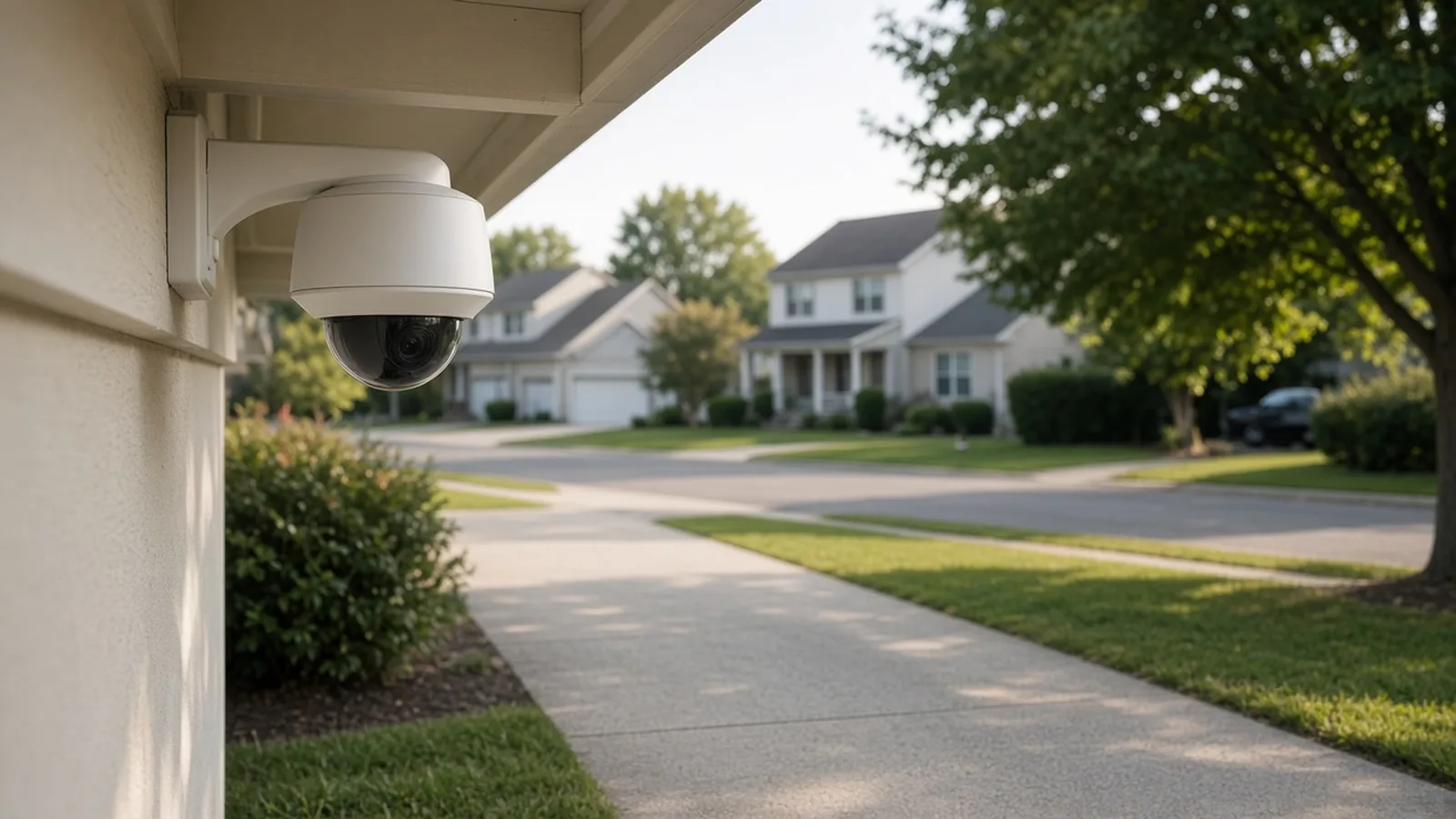
Exterior cameras are allowed. You must disclose each device in your listing, describe its location (for example, "I have a camera in my front yard") and say whether it will be on or off. Noise decibel monitors that measure sound without recording audio are allowed inside, except in bedrooms, bathrooms or sleeping areas, and must be disclosed. Devices that record audio inside are prohibited. Airbnb lets you declare them in the listing editor under Guest safety, then Safety devices.
Violations can lead to listing suspension or removal. When in doubt, leave the device out. Local laws can be stricter than Airbnb's.
The 15 devices at a glance
| # | Job | Device | Connectivity | Controlled via |
|---|---|---|---|---|
| 1 | Entry | Yale Assure Lock 2 (Wi-Fi) | Wi-Fi | Airbnb native or PMS |
| 2 | Entry | Schlage Encode Plus | Wi-Fi, Matter | Airbnb native or PMS |
| 3 | Entry | igloohome Deadbolt 2S | Bluetooth, offline PIN | igloohome Airbnb Connect, PMS with Bridge |
| 4 | Entry | igloohome Smart Keybox 3E | Bluetooth, Bridge | PMS |
| 5 | Entry | Kwikset Halo Touchscreen | Wi-Fi | Hospitable |
| 6 | Noise | Minut M3 | Wi-Fi | Minut plan, PMS |
| 7 | Noise | NoiseAware Sensor | Wi-Fi (unverified) | Vendor, Guesty, Seam |
| 8 | Temperature | ecobee Smart Thermostat Premium | Wi-Fi | Hospitable |
| 9 | Temperature | Google Nest Learning Thermostat (4th gen) | Wi-Fi, Matter | Hospitable |
| 10 | Temperature | Honeywell Home T9 | Wi-Fi | Hospitable |
| 11 | Water | Aqara Water Leak Sensor T1 | Zigbee 3.0 | Aqara hub |
| 12 | Water | Moen Flo Smart Water Shutoff | 2.4 GHz Wi-Fi | Moen app |
| 13 | Exterior | Wyze Battery Cam Pro | 2.4 and 5 GHz Wi-Fi | Wyze app |
| 14 | Hub | Aqara Hub M3 | Wi-Fi/Ethernet, Zigbee, Thread | Aqara Home |
| 15 | Hub | Aeotec Smart Home Hub | Wi-Fi, Zigbee, Z-Wave, Matter | SmartThings |
Entry: locks and lockboxes (devices 1 to 5)
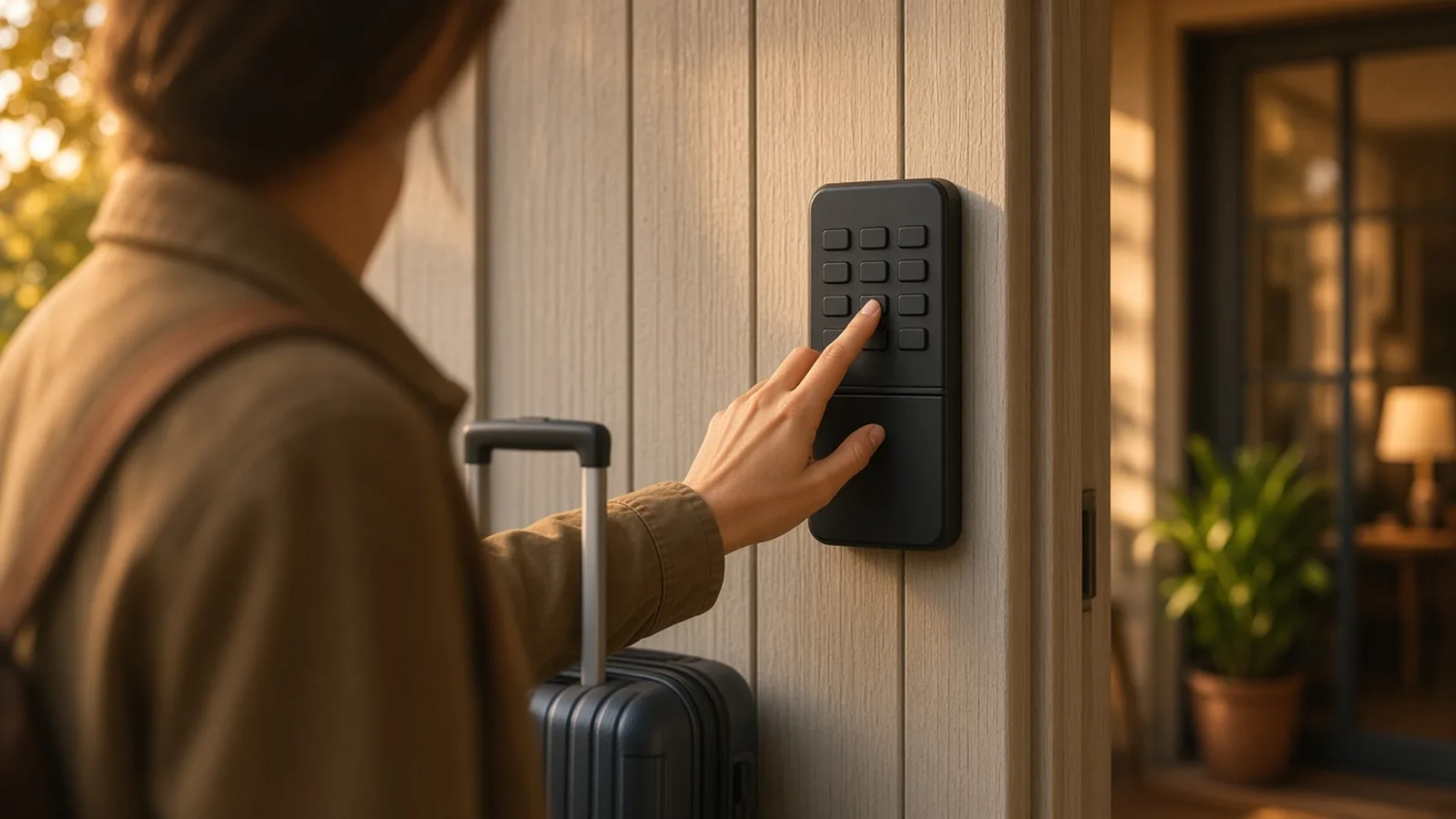
Keyless entry is the first automation to add, and the one that most affects guests. In the US and Canada, Airbnb integrates directly with compatible Schlage, August and Yale Wi-Fi locks, creating a unique code for each booking. With a PMS, one lock's code can be passed to Airbnb per listing.
- Yale Assure Lock 2 and Schlage Encode Plus are the two native Airbnb options we would start with.
- igloohome Deadbolt 2S works offline with algoPIN, useful when Wi-Fi at the door is poor.
- igloohome Smart Keybox 3E suits doors you cannot change. Hospitable lists it with the Bridge.
- Kwikset Halo Touchscreen is listed by Hospitable, not Airbnb, so it needs a PMS.
See the full comparison in our smart lock roundup and the workflow in How to Automate Airbnb Check-In.
Noise monitoring (devices 6 and 7)
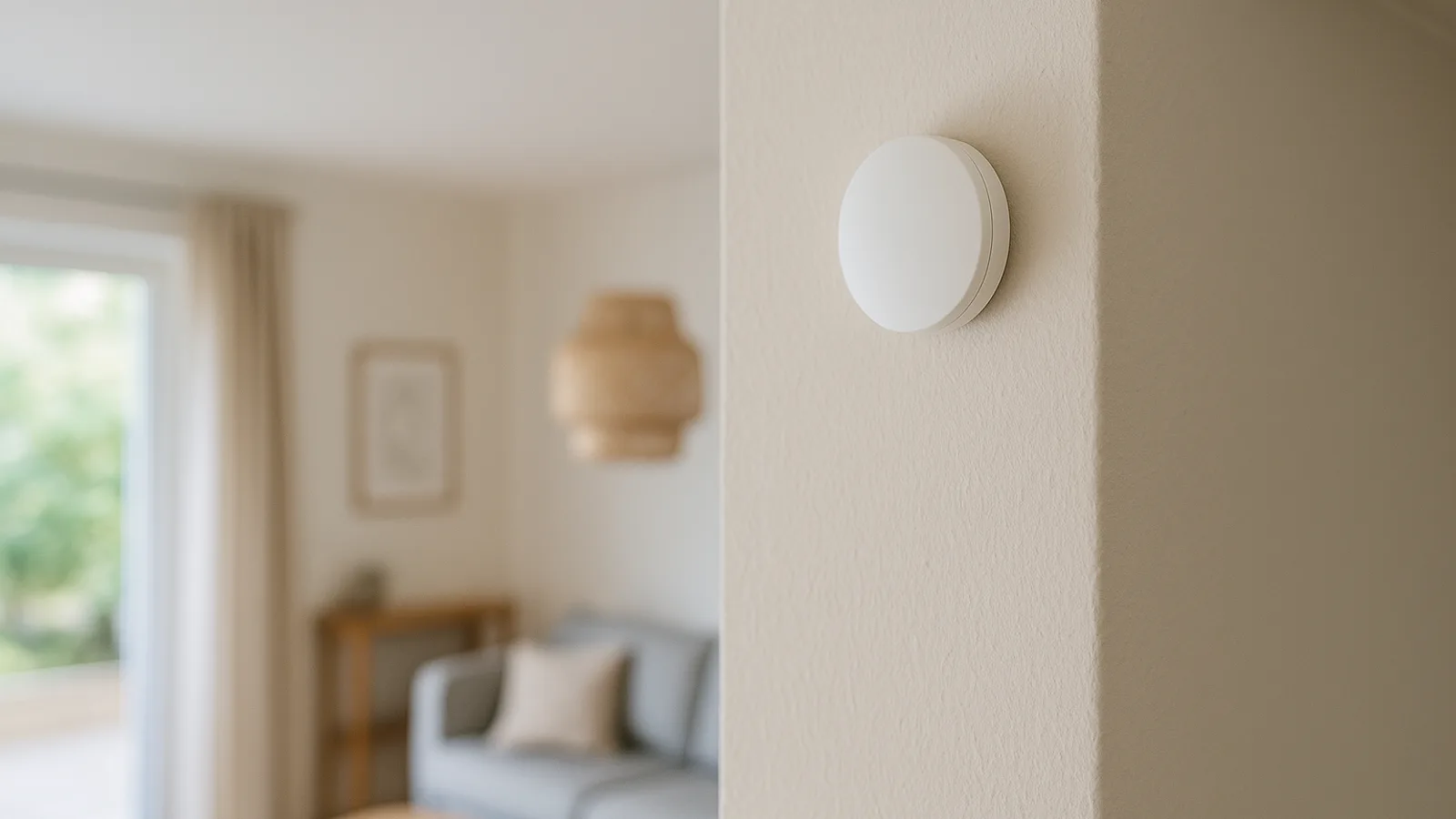
Minut M3 tracks noise, smoking, crowding and climate without cameras or audio recording, per Minut. Plans are $5, $10 or $15 per home per month, with PMS integrations on the top tier, plus hardware (pricing as of Oct 2026). NoiseAware is a decibel-only alternative whose vendor site we could not fetch. Read the noise monitoring guide before placing either.
Temperature (devices 8 to 10)
Hospitable lists supported ecobee, Honeywell/Resideo and Google Nest thermostats, all requiring Wi-Fi, and can set temperatures before arrival and reset them afterward. Pick one: ecobee Premium for sensors, Nest 4th gen (listed by Google at $279.99, Oct 2026) for Matter, or Honeywell T9 for an existing Honeywell system. The comparison is in our thermostat guide.
Water (devices 11 and 12)
Water damage is the failure that costs the most. The Aqara Water Leak Sensor T1 sends alerts and needs a hub. The Moen Flo monitors the main line and can shut water off automatically, but it needs 2.4 GHz Wi-Fi, a nearby outlet, and usually a plumber to install. Together they cover the sinks and the main.
Exterior camera (device 13)
If you want an outdoor camera, the Wyze Battery Cam Pro is wire-free, IP65, supports a microSD card and was listed at $89.98 (Oct 2026). Point it at the driveway or entrance, not at windows or a neighbour's property, disclose it in the listing, and never use an indoor camera.
Hubs (devices 14 and 15)
You need a hub only when a device is Zigbee or Z-Wave, or when you want local automations. The Aqara Hub M3 acts as a Matter controller, supports Thread and Zigbee, and has battery backup, per Aqara. The Aeotec Smart Home Hub supports Zigbee, Z-Wave and Matter. Hospitable lists SmartThings as a route for hub-based locks including Kwikset Z-Wave and some Schlage Connect models, and notes a constraint on code timing through that route; read it before relying on it.
Wi-Fi, Zigbee, Z-Wave, Thread and Matter
- Wi-Fi is simplest and what most PMS integrations require, but each device is another network client.
- Zigbee and Z-Wave need a hub and are common in older, hub-based locks.
- Thread and Matter make devices interoperable, but none of the automatic-code paths we checked depends on Matter.
- Battery devices need a replacement plan. August quotes up to three months for its Wi-Fi lock; others quote a year or more.
How to build it in order
- Day 1: lock, leak sensor and a backup entry method.
- Week 1: thermostat and PMS integration, using Hospitable or your own PMS's list.
- Month 1: noise monitor and exterior camera, after you write the disclosures.
- Later: a hub, if you need Zigbee or Matter.
Then wire it into the rest of the business with How to Automate Your Entire Airbnb Business.
What still needs a human
- Battery changes and firmware updates.
- Plumbing, wiring and lock installation.
- Responding to alerts.
- Keeping listing disclosures accurate.
Common mistakes
- Buying devices before checking the PMS list.
- Installing any indoor camera.
- Forgetting to disclose noise monitors and exterior cameras.
- Relying on Wi-Fi alone with no backup plan.
- Buying 15 devices when 5 would do.
Maintenance calendar
| Interval | Task |
|---|---|
| Every stay | Check lock and sensor alerts, confirm the next code is queued |
| Monthly | Review battery levels in each app and PMS |
| Quarterly | Test leak sensors, the shutoff valve and the backup entry method |
| Every 3 to 12 months | Replace lock batteries, depending on the vendor's quoted life and your use |
| Yearly | Review firmware, passwords, shared users and disclosures |
Budget tiers
These tiers are our suggestion, not vendor bundles.
- Essentials: one Wi-Fi lock, two leak sensors with a hub, and a backup entry method.
- Standard: add a PMS-supported thermostat and a noise monitor.
- Full: add a shutoff valve, an exterior camera, and a second hub if you have Zigbee and Z-Wave devices.
Security hygiene
- Use a unique password and two-step verification for every account.
- Limit who has admin access, and remove former cleaners and co-hosts.
- Keep device firmware updated.
- Never share a permanent code with guests.
- Document each device in your listing disclosures.
Which devices to skip
Plenty of popular gadgets did not make this list because we could not tie them to a documented PMS or Airbnb workflow. Smart doorbells with indoor-facing views, baby monitors, camera-equipped smart displays and any indoor camera run into Airbnb's rules, which treat anything that records or transmits video, images or audio inside the home as a prohibited recording device. Voice assistants with microphones deserve the same caution: if you add one, read Airbnb's policy and your local law first, and disclose it.
Smart plugs, lighting and blinds can make a rental feel polished, but they add Wi-Fi clients and support questions. Add them last, and only where they fix a real problem, such as a lamp that guests keep unplugging.
Final check before you list
- Every device is on your PMS's supported list or has a documented Airbnb path.
- Disclosures for exterior cameras and noise monitors are in the listing.
- No device records inside the home.
- Backup entry works without Wi-Fi.
- You have a person to call when the hardware fails.
Frequently asked questions
›What smart devices does an Airbnb actually need?
At minimum, a smart lock for keyless entry and either a leak sensor or a water shutoff. Add a thermostat, a noise monitor and an exterior camera as your portfolio and risk grow. Our read is that more devices are not better if you cannot maintain them.
›Can I put cameras inside my Airbnb?
No. Airbnb does not allow security cameras or recording devices that monitor any part of a home's interior, even if they are turned off. Hidden cameras are strictly prohibited. Exterior cameras are allowed, with disclosure in the listing.
›How do I disclose an exterior camera?
Describe each device and its location in the listing, such as a camera in the front yard, and say whether it will be on or off. Airbnb's listing editor has a Guest safety section for safety devices.
›Do I need a hub?
Only for Zigbee or Z-Wave devices, or to run local automations. Wi-Fi locks, thermostats and cameras work without one. Hospitable can connect Z-Wave and Zigbee locks through SmartThings, which uses a hub.
›Which PMS controls the most devices?
In our research, Hospitable documents the widest set of device types, covering locks and thermostats and a noise monitor integration with Minut. Hostaway and Guesty document lock support. Verify your PMS's current list before purchase.
Sources and references
Facts verified October 19, 2026. Prices and features change; confirm with each vendor.
- Airbnb Help: Security cameras and noise decibel monitors
- Airbnb Help: Security devices policy
- Airbnb Help: Smart lock integrations
- Hospitable: Smart devices management
- Hospitable: Supported locks
- Hospitable: Supported thermostats
- Minut
- Minut pricing
- Wyze Battery Cam Pro
- Aqara Water Leak Sensor T1 specs
- Aqara Hub M3
- Moen Flo Smart Water Monitor and Shutoff
- Google Store: Nest Learning Thermostat (4th gen) specs
- Samsung SmartThings: Aeotec hub
Verification notes
- Most prices were not seen; only those with dates in the article are verified.
- Aeotec hub details come from a search snippet and a UK Samsung page; US model number and availability need checking.
- Aqara Hub M3 price and device limits not verified.
- Wyze Battery Cam Pro is a camera; compliance with Airbnb's policy depends on placement and disclosure by the host.
- Hostaway and Guesty thermostat or noise integrations were not verified.
- Wyze's own blog recommended the camera for Airbnb; that is a vendor source.
Articles on this site are researched from official product documentation, pricing pages and reputable public sources. Unless an article explicitly says otherwise, products have not been hands-on tested. Individual author profiles will be added once named contributors are confirmed.
Related stories
Best Smart Thermostats and Energy-Saving Devices for Airbnb Rentals
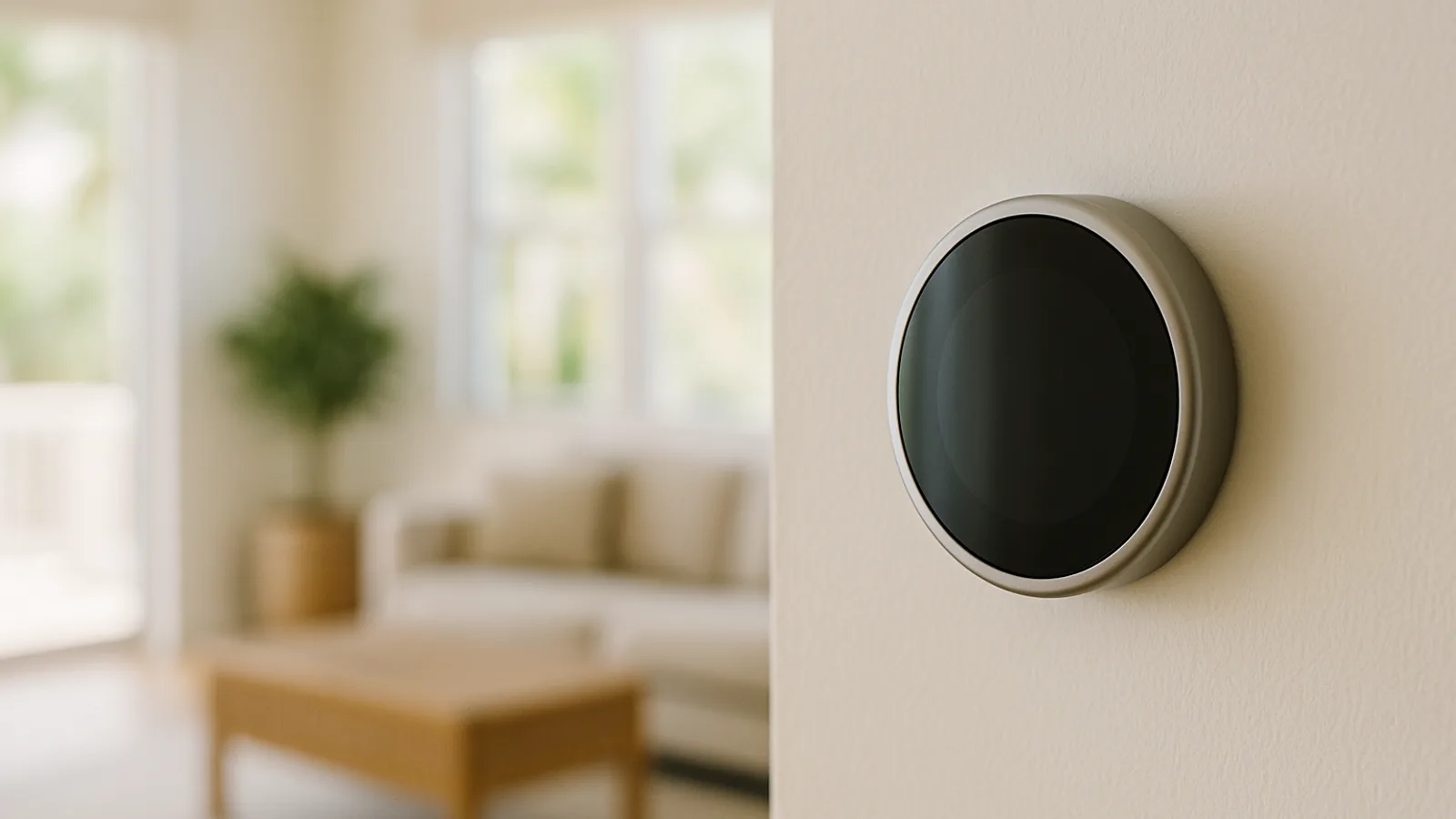
If you use Hospitable, ecobee, Honeywell Home and Google Nest thermostats are all on its supported list, so the choice is mostly about HVAC wiring and sensors. For energy and damage protection, a water leak sensor or an automatic water shutoff does more for most rentals than a fancier thermostat.
By Best BNB Tools Editorial · Oct 19, 2026
8 Best Smart Locks for Airbnb in 2026 (With Automatic Guest Codes)
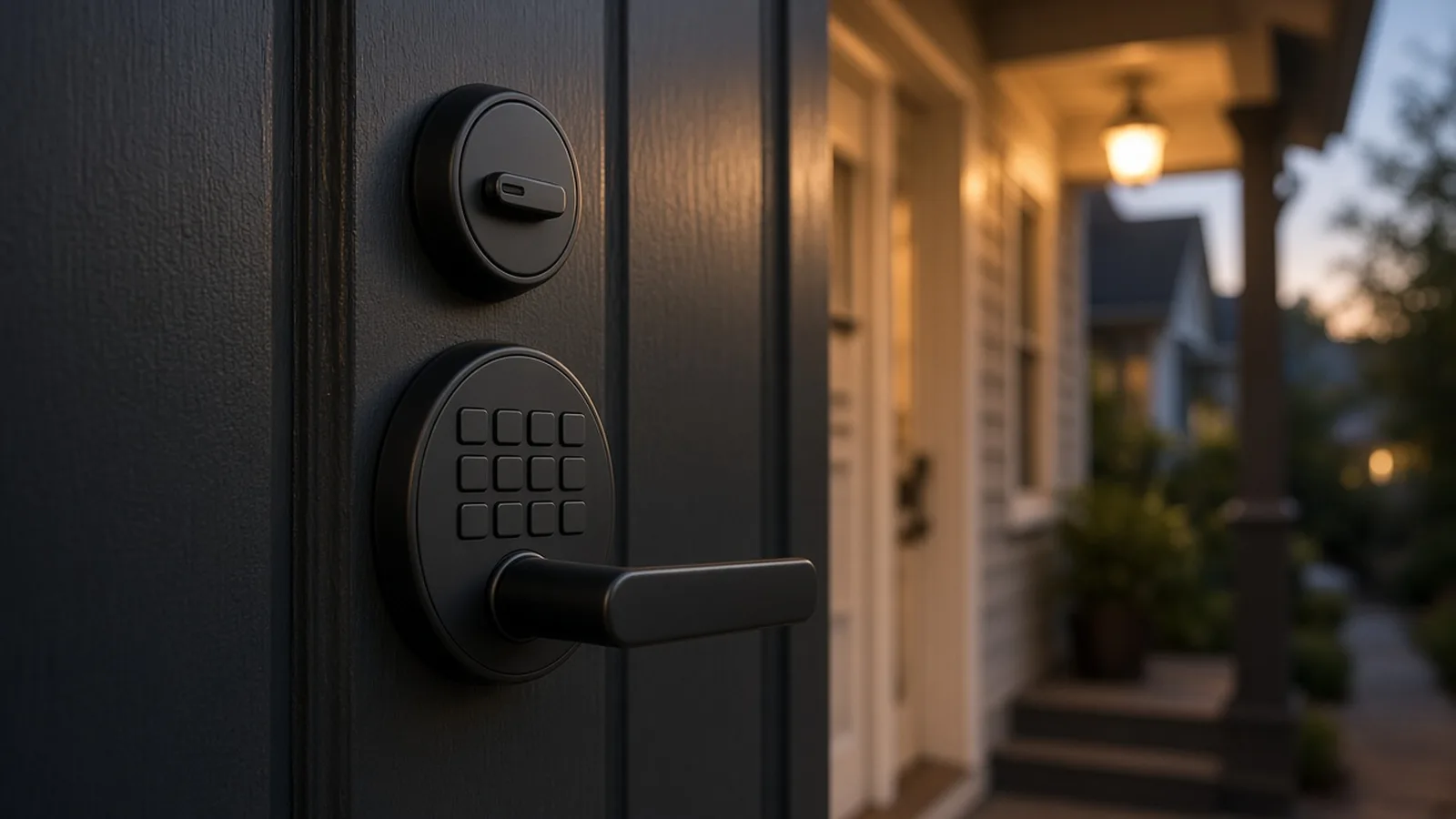
For most US and Canadian hosts the safest pick is a Wi-Fi keypad lock from Yale or Schlage, because Airbnb itself creates a unique code for every booking on those brands. If your Wi-Fi is weak, igloohome's offline PINs are the strongest alternative. We found eight locks with documented automatic guest-code paths, not ten.
By Best BNB Tools Editorial · Oct 19, 2026
How to Automate Airbnb Check-In So Guests Never Need a Key
Automating check-in takes three pieces: a smart lock that can hold a unique code per booking, a system that creates and delivers that code, and a messaging flow that tells guests what to do. In the US and Canada, Airbnb can handle the first two natively for Schlage, August and Yale locks.
By Best BNB Tools Editorial · Oct 19, 2026
Best Airbnb Noise Monitoring Devices to Prevent Parties Automatically
Minut is the most complete noise-monitoring option we can verify, with noise, smoke and climate sensing and a documented Hospitable integration that texts the guest automatically. NoiseAware is the decibel-only alternative. Airbnb allows noise monitors only if they do not record audio, are disclosed, and stay out of bedrooms and bathrooms.
By Best BNB Tools Editorial · Oct 27, 2026