How to Automate Airbnb Check-In So Guests Never Need a Key
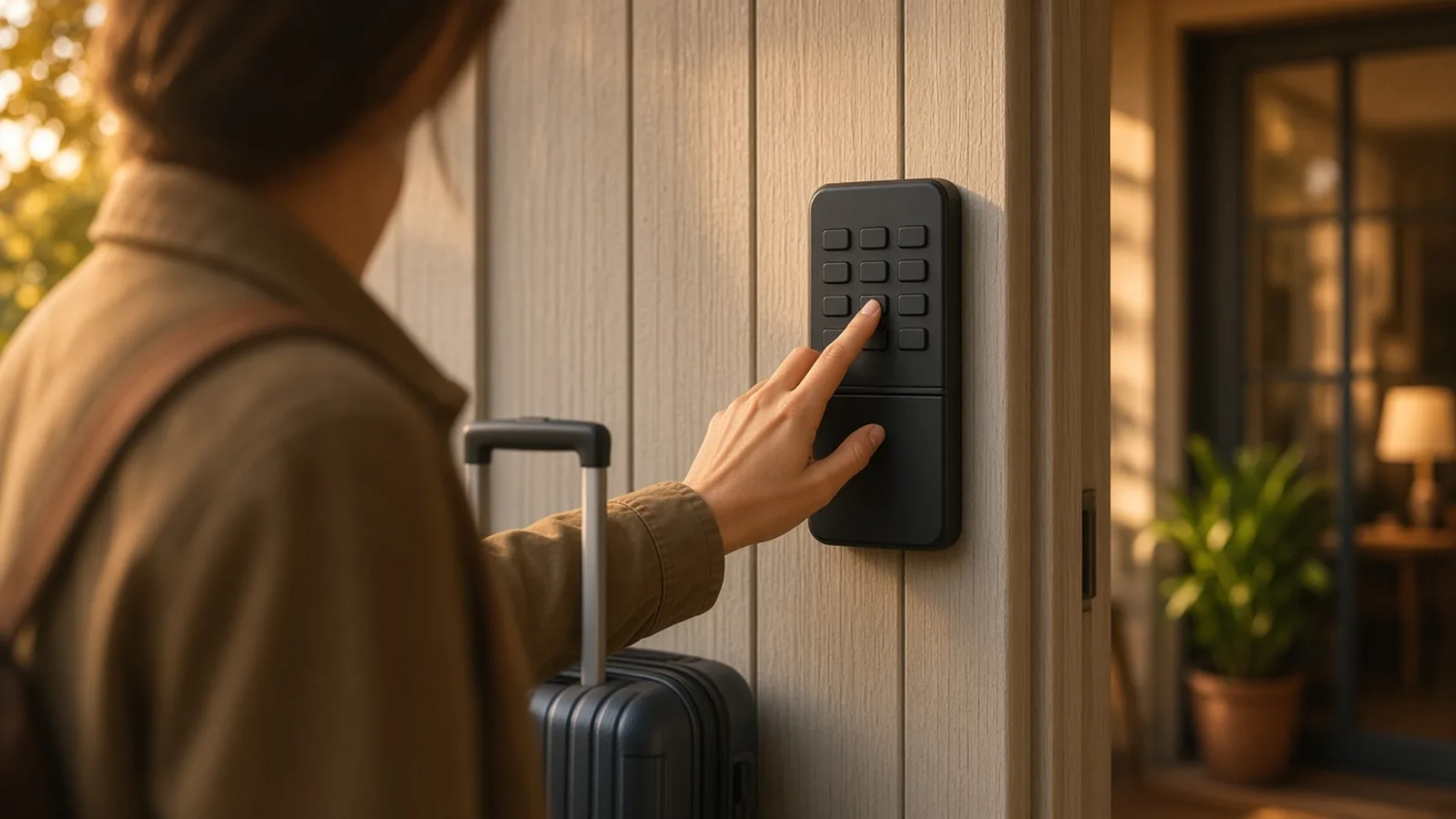
Automating check-in takes three pieces: a smart lock that can hold a unique code per booking, a system that creates and delivers that code, and a messaging flow that tells guests what to do. In the US and Canada, Airbnb can handle the first two natively for Schlage, August and Yale locks.
By Best BNB Tools Editorial · Published October 19, 2026 · Updated October 19, 2026 · 10 min read
Facts last verified October 19, 2026. Evaluated from official documentation and public sources; not hands-on tested.
Key takeaways
- Codes can come from Airbnb directly (Schlage, August, Yale in the US and Canada), from a PMS, or from the lock maker's connector.
- Through a PMS, Airbnb passes only one lock's code per listing and cannot see lock battery or connectivity.
- Airbnb requires backup entry instructions when a PMS shares codes.
- Messaging timing matters as much as the lock: send instructions before arrival, then confirm the code works.
- Plan for failures: dead batteries, Wi-Fi drops and guests who cannot find the door.
Quick recommendations
Simplest setup
Native Airbnb codes with no extra software, in the US and Canada.
Best for Apple Home users
Schlage Encode Plus Smart WiFi Deadbolt
Native Airbnb support plus Matter and Home Key.
Best for weak Wi-Fi
Offline PINs with a direct Airbnb connector.
Best when the lock cannot change
Lockbox with time-limited PINs listed by Hospitable.
Best PMS for multi-property codes
Documented per-reservation codes across many lock brands.
To automate Airbnb check-in, you need a smart lock that can hold a unique code for each booking, something that creates and delivers that code, and a message flow that guides the guest to the door. In the US and Canada the shortest path is a compatible Schlage, August or Yale Wi-Fi lock connected to your Airbnb account, which gives each booking its own code with no extra software. Anywhere else, or with other lock brands, you will use a property management system (PMS) or the lock maker's connector.
This how-to is based on Airbnb's help center, PMS support documents and vendor pages, checked on 2026-10-19. We have not hands-on tested these setups.
Step 1: Choose your code route
| Route | Works with | Who creates the code | Limits |
|---|---|---|---|
| Airbnb native | Schlage, August, Yale Wi-Fi locks (US/Canada) | Airbnb | Wi-Fi required; some keypad accessories needed |
| PMS | Locks the PMS lists | The PMS; Airbnb delivers it | One lock's code per listing; no battery or status in Airbnb |
| Maker connector | igloohome, Nuki and others | The lock maker | Varies by maker |
Airbnb's native integration generates a unique code per booking, delivers it with trip details, and deactivates it after checkout. Hosts receive a notification at check-in and when the lock is offline or low on battery. If you approve an early check-in or a late checkout, the code updates with it.
If you use a PMS, Airbnb sends the reservation, the PMS generates the code and Airbnb delivers it in the app and in email. Airbnb says it cannot see battery or connectivity in that setup, cannot modify codes, and can share only one lock's code per listing. Compare the options in our PMS roundup and on the Hospitable, Hostaway and Guesty tool pages.
Step 2: Pick a lock that matches the route
For native Airbnb codes, Airbnb lists specific models: Schlage Encode, Encode Plus and Sense Pro; August Wi-Fi locks with a keypad; and Yale Assure Lock and Assure Lock 2 with Wi-Fi and the Approach Lock. Good starting points are the Yale Assure Lock 2 and Schlage Encode Plus, or August if you want to keep your deadbolt. See our full smart lock roundup.
For weak Wi-Fi or a different brand, the igloohome Deadbolt 2S generates PINs offline, and the Smart Keybox 3E works when you cannot replace the lock. The Hospitable documentation lists both with the igloohome Bridge.
Step 3: Connect the lock
- Install the lock and confirm Wi-Fi at the door itself. A strong signal at the router does not guarantee one at the entry.
- Set it up in the maker's app.
- In Airbnb, connect the lock to the listing. For a PMS, connect it in the PMS instead.
- Check your exact model number against the supported list. Variants matter: a Bluetooth-only model is not the same as the Wi-Fi model Airbnb names.
Step 4: Configure when codes work
Defaults differ. In Hospitable, a unique code is generated when a reservation is accepted, either random or based on the guest's phone number, and by default it activates at check-in and deactivates at checkout. Buffers let you open the window earlier or later. Guesty's defaults, per its help center, are four-digit codes active from the estimated arrival time to the estimated departure time, with one code valid for all locks at a property. Hostaway describes codes that are time-limited to the reservation dates.
Watch for lock-specific rules. Hospitable notes Nuki codes cannot start with 12 or contain a 0, Kwikset codes are provisioned three days before check-in, and some lockers only support random codes.
Set a separate permanent code for your cleaner. Airbnb says you can keep managing personal codes in the lock's app and it will never change them.
Step 5: Set up the guest messages
The lock does not tell the guest where the door is. Airbnb's hosting guidance describes scheduled messages at the moments that matter: booking confirmation, before check-in (around 24 to 48 hours ahead, reminding guests where to find check-in instructions), after check-in, and before checkout. It also supports quick replies for common questions.
A simple sequence:
- At booking: a short welcome that says check-in is keyless.
- 24 to 48 hours before: address, parking, how to find the door, Wi-Fi at the entry. Say the code arrives automatically.
- At arrival time: confirm the code is in the thread or app, plus a backup contact.
- A few hours after check-in: ask if everything went smoothly.
- Evening before checkout: checkout reminder.
Where an AI messaging agent fits
Static scheduled messages cannot handle the question that actually arrives at midnight: "The code isn't working." One option to consider is ReplyBoost, an AI guest messaging agent that replies around the clock in the host's voice, using a per-property knowledge base that can hold door codes, Wi-Fi, house rules and parking. Per its own page it drafts sensitive replies for host approval and is set up by adding BNBBoost as an Airbnb co-host. It was listed at $47 per month per listing, against a regular $97, at the time of writing. We have not tested it.
Whatever you choose, give it a rule for lockouts: it should offer the backup entry method and alert you, not improvise.
Step 6: Build your backup plan
Airbnb requires backup entry instructions when a PMS shares codes, and Hostaway's own guidance flags dead batteries and connectivity as the main risks. Practical layers:
- A second lock method, such as a keybox or a spare code on the lock.
- A battery replacement schedule, rather than waiting for a low-battery alert.
- A local contact who can reach the property.
- A written lockout procedure for guests, in the check-in message.
Step 7: Test before the first guest
Create a test booking or a manual test code, walk the full path from message to door, and test from the guest's side, on cellular data, not your home Wi-Fi.
What still needs a human
- Battery swaps and hardware repairs.
- Decisions on early arrivals when the code window is tight.
- Lockouts that the backup plan does not solve.
- Anything involving a guest's ID or security concern.
Common mistakes
- Sending the code at booking instead of near arrival.
- Using the same code for multiple stays.
- Skipping a physical backup.
- Forgetting that only one lock's code is shared per listing through a PMS, which breaks setups with a gate and a door.
Related
Build the rest of the stack in How to Automate Your Entire Airbnb Business, plan noise rules in noise monitoring devices, and see the best AI guest messaging tools.
Timing reference
| Moment | What happens | Where the detail comes from |
|---|---|---|
| Booking accepted | PMS generates a code (Hospitable, Guesty) or Airbnb creates one (native) | Hospitable, Guesty, Airbnb docs |
| Before arrival | Guest receives the code; igloohome emails it, by default one hour before check-in | igloohome |
| Check-in time | Code becomes active; Hospitable's default start | Hospitable |
| Checkout time | Code deactivates | All three routes |
| Reservation change | Native Airbnb adjusts the code for approved early check-in or late checkout | Airbnb |
igloohome's page also says PINs must be activated within 24 hours of check-in, and we read that from a summary, so confirm the exact rule with igloohome before you plan around it.
Common scenarios
Early arrival. Natively, an approved early check-in changes the code window. Through a PMS, check how your tool treats a changed time, and use a buffer setting if available.
Two entry points. Because Airbnb passes only one lock's code per listing through a PMS, a building door plus a unit door needs a second method, such as a lockbox code in the message. Guesty's help center says one code can be valid for all locks at a property, which may suit this case; test it.
Co-hosts and cleaners. Keep their codes in the lock app, separate from guest codes. Hospitable also supports custom codes for cleaners and maintenance.
No Wi-Fi at the door. Use an offline-capable lock such as the igloohome Deadbolt 2S, or run a mesh node near the door.
Guest cannot get in. The message should name your backup method and the first step. Add the contact path in the pre-arrival message so guests can find it quickly.
Check-in checklist
- Lock model matches the supported list exactly.
- Battery level is full, and a replacement date is on your calendar.
- Backup entry instructions are filled in on Airbnb.
- Test code worked from outside, on cellular data.
- Pre-arrival message includes address, parking, door location and Wi-Fi.
- Lockout message is ready.
- Cleaner code is separate and active.
How much of this is the PMS and how much is Airbnb?
Airbnb handles the core when you stay native: the code, the delivery and the expiry. A PMS adds multi-property scale, support for more brands and a single dashboard. Our read is to start native if you can, and move to a PMS when your messaging, cleaning and calendar needs outgrow Airbnb's own tools. The wider picture is in Hands-Off Airbnb Tech Stack.
Native Airbnb setup, click by click
Per Airbnb's help center, you connect a lock from the listing's arrival guide: open the check-in method, choose your lock brand, sign in to your lock account and authorize Airbnb to access it. Two points are easy to miss. The smart lock feature is available only for listings located in the US and Canada, so a host elsewhere cannot use this route regardless of the lock. And Airbnb still requires you to add a backup entry method for emergencies such as dead batteries; it also describes backup codes that help if the lock goes offline during a booking or trip change.
Airbnb alerts you when a guest completes the first check-in, and you can still manage personal codes in the lock's own app and adjust when guest codes activate.
Which route should you avoid?
- Avoid the native route if your listing is outside the US and Canada, if your lock is not on Airbnb's list, or if you need codes for more than one door. Use a PMS or the maker's connector instead.
- Avoid the PMS route for a single listing if you only need keyless entry and own a supported lock. A subscription that you use only for door codes is hard to justify when the native route is free.
- Avoid depending on Wi-Fi-only locks at a property with an unreliable connection, unless you add a mesh node near the door or choose an offline-capable lock.
- Avoid a lockbox as your only method if you need audit trails or per-guest expiry. Time-limited keybox PINs help, but check the specific product's limits.
What a PMS plan may cost for keyless entry
Hospitable's pricing page lists smart locks and thermostats on its Professional plan at $59 per month, including two devices per active property with $5 per additional device, and on Mogul at $99 with four devices per active property. Its Essentials and Host plans do not list this feature. That means a host on Hospitable's $29 Host plan would need a higher tier, or the native Airbnb route, to automate codes. Prices are as of October 2026 and the arithmetic is illustrative: for example, one property with one lock on Professional would be $59 per month before taxes, plus nothing for the lock under the two-device allowance.
Setup difficulty and time
Our read, from the documentation: native setup is the easiest, because there is one app and one account. A PMS route adds a second integration and the plan check described above. An offline lock such as igloohome adds a Bridge if you want it connected to a PMS. For any route, plan an hour for the hardware and another for testing from the guest's side. The slow part is usually writing the messages, not connecting the lock.
Questions to ask a lock or PMS vendor
- Is my exact lock model supported, and through which route?
- Does one reservation create one code, and when does it activate and expire?
- Can I set a buffer before check-in and after checkout?
- What happens to the code if the guest changes dates?
- What alerts reach me for low battery or offline status?
- How many locks per property can share codes?
- Are there code-format restrictions? (Hospitable's documentation notes some lock-specific ones.)
- What does support cover if a guest is locked out at night?
A pre-arrival test script
Run this once for every property, and again after any lock, router or PMS change.
- Create a test reservation or a time-limited test code that starts in a few minutes.
- Stand outside on cellular data and open the message the guest would see.
- Follow the written directions to the door without help.
- Enter the code and confirm it opens, then lock again.
- Confirm the cleaner code still works and the old test code stops working after its window.
- Unplug the router or turn off the lock's Wi-Fi briefly and see what the lock does. Check that the backup method works.
- Write down what you changed, and who has which codes.
Doing this at your leisure costs an hour. Discovering it at 11 pm with a tired guest costs a lot more.
Frequently asked questions
›Can Airbnb send door codes without a PMS?
Yes, in the US and Canada, if you use a compatible Schlage, August or Yale Wi-Fi lock connected to your Airbnb account. Airbnb creates a unique code for each booking, sends it to guests, and removes it after checkout.
›When should the code be sent?
Send it before arrival, not at booking. In Hospitable, codes activate at check-in by default and you can add buffers. igloohome's default email goes out one hour before check-in. Airbnb's own guidance suggests reminding guests where to find instructions 24 to 48 hours before check-in.
›What if a guest arrives early?
With Airbnb's native integration, approved early check-ins or late checkouts adjust the code automatically. Through a PMS, check how your system handles changed reservation times before relying on it.
›Do I still need to message guests?
Yes. A code is only part of check-in. Guests still need directions, parking, Wi-Fi and house rules, and sometimes reassurance. Scheduled messages and quick replies on Airbnb, or a PMS or messaging tool, cover most of that.
›Is it safe to put the code in a message?
Share it only inside the Airbnb thread or the delivery method your system provides, keep it unique per booking, and make sure it expires at checkout. Never reuse a permanent code for guests.
Sources and references
Facts verified October 19, 2026. Prices and features change; confirm with each vendor.
- Airbnb Help: Smart lock integrations
- Airbnb Help: Smart locks through a property management system
- Airbnb Newsroom: Smart lock integrations
- Airbnb: Simplifying communication
- Hospitable: How smart lock access codes work
- Hospitable: Supported locks
- Hostaway: Smart locks
- Guesty Help Center: Locks Manager
- igloohome: Airbnb Connect
- ReplyBoost
- Hospitable pricing and subscription costs
Verification notes
- Guesty details come from search results; the Guesty help page returned 403.
- igloohome's note that PINs must be activated within 24 hours of check-in was read from a summary of its page; confirm with igloohome.
- ReplyBoost price is as listed on 2026-10-19 and can change.
- Hospitable smart-lock plan inclusions are from its pricing help page as fetched 2026-10-19; confirm per-device limits before buying.
Articles on this site are researched from official product documentation, pricing pages and reputable public sources. Unless an article explicitly says otherwise, products have not been hands-on tested. Individual author profiles will be added once named contributors are confirmed.
Related stories
8 Best Smart Locks for Airbnb in 2026 (With Automatic Guest Codes)
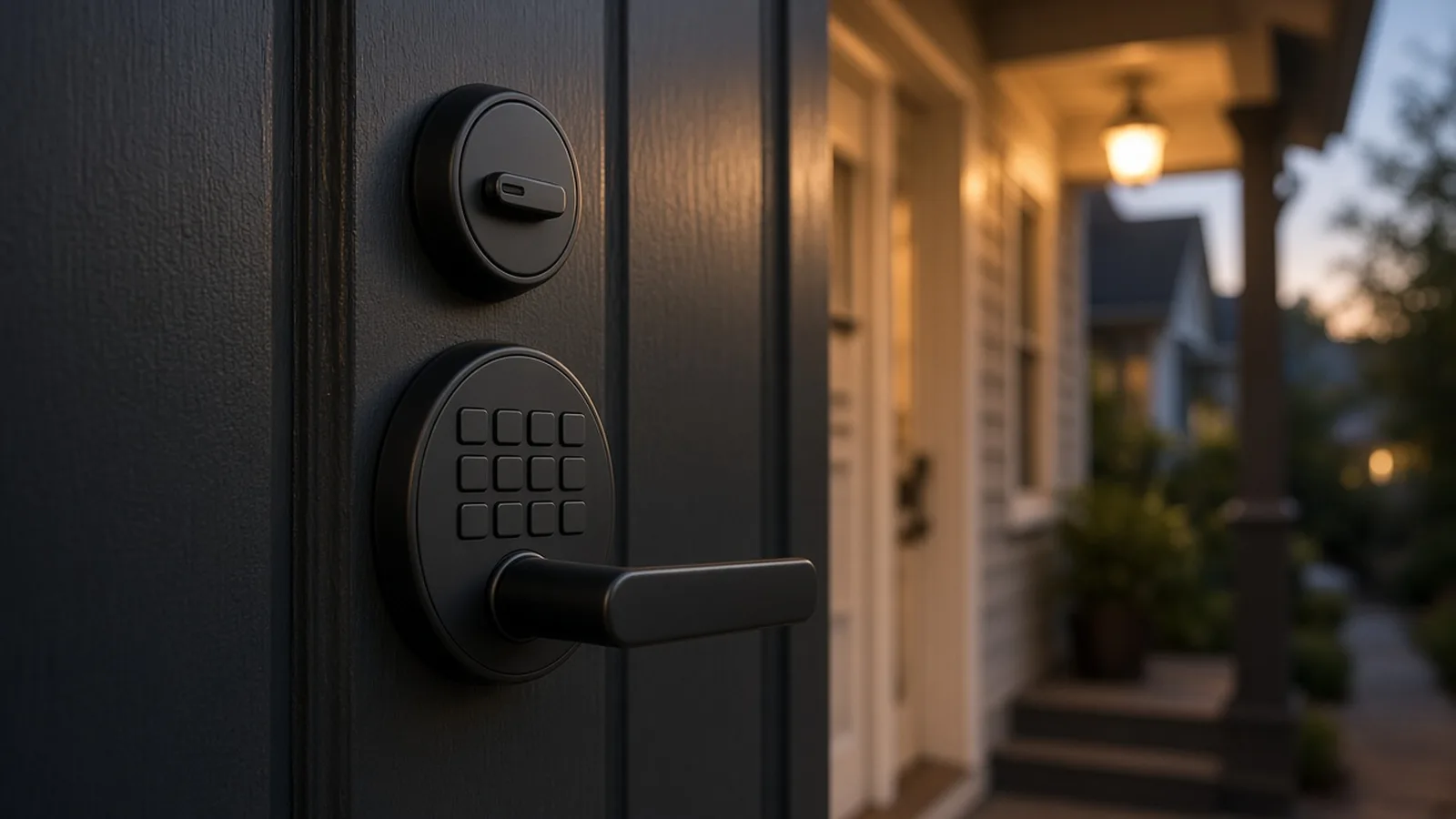
For most US and Canadian hosts the safest pick is a Wi-Fi keypad lock from Yale or Schlage, because Airbnb itself creates a unique code for every booking on those brands. If your Wi-Fi is weak, igloohome's offline PINs are the strongest alternative. We found eight locks with documented automatic guest-code paths, not ten.
By Best BNB Tools Editorial · Oct 19, 2026
How to Build a Smart Airbnb: 15 Devices You Can Control Remotely
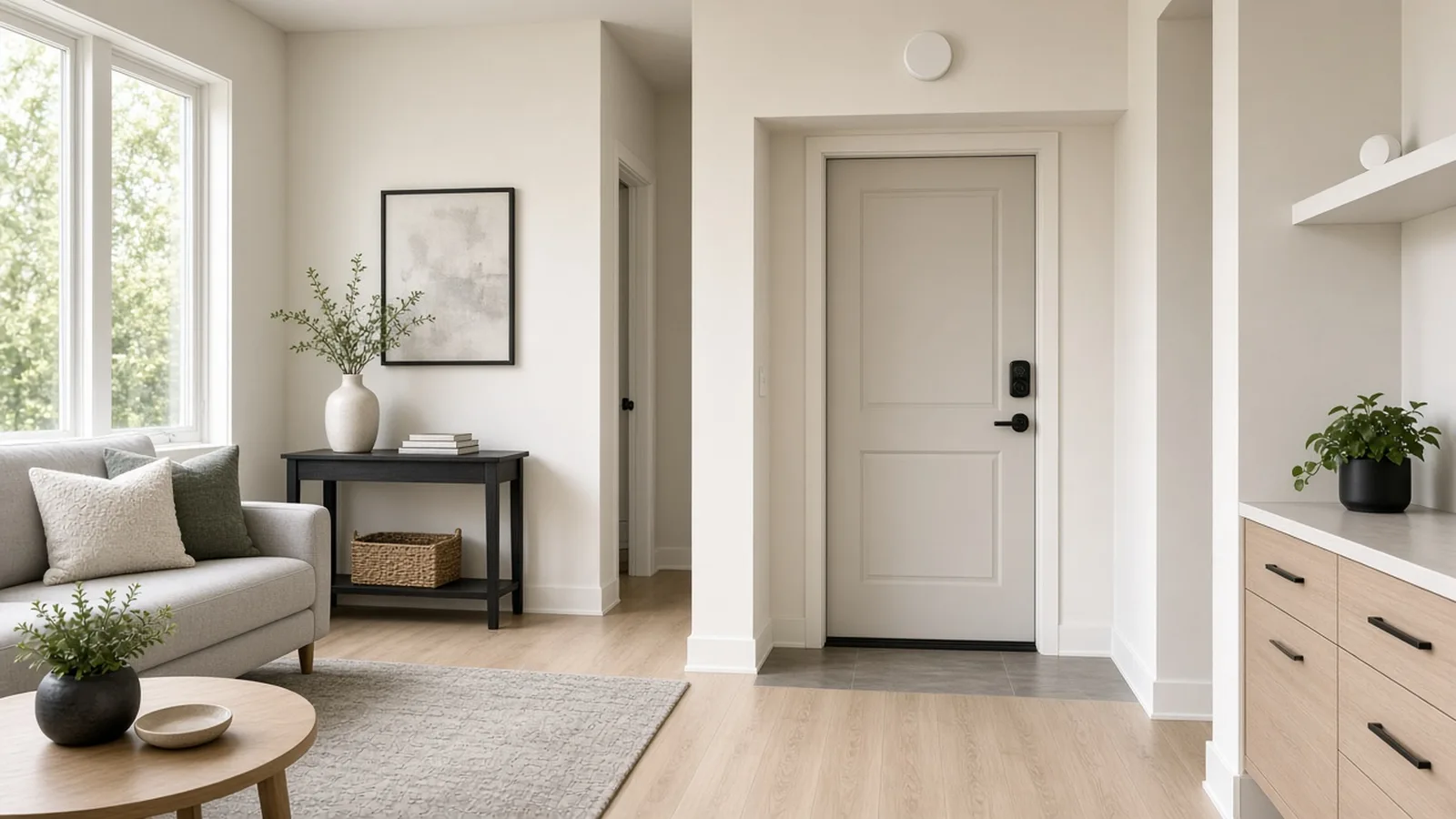
A smart Airbnb works best when each device solves one problem: entry, noise, temperature, water and exterior security, with a hub only if you need one. This guide covers 15 devices we could verify, with Airbnb's rules on cameras and noise monitors and the Wi-Fi, Z-Wave and Matter limits that decide what works.
By Best BNB Tools Editorial · Oct 19, 2026
The Ultimate Hands-Off Airbnb Tech Stack for 1, 5 or 20 Properties
No stack makes an Airbnb fully hands-off, but you can automate calendars, pricing, routine messaging, cleaning handoffs and reporting, and keep your time for exceptions. For 1 property, a free or low-cost PMS tier plus pricing and messaging tools lands around $67–$76 a month in itemised, published software prices; at 5 and 20 properties the PMS becomes a quote, and per-listing tools set the bill. Every price below is dated, sourced or labelled as an estimate.
By Best BNB Tools Editorial · Oct 19, 2026
Best Airbnb Noise Monitoring Devices to Prevent Parties Automatically
Minut is the most complete noise-monitoring option we can verify, with noise, smoke and climate sensing and a documented Hospitable integration that texts the guest automatically. NoiseAware is the decibel-only alternative. Airbnb allows noise monitors only if they do not record audio, are disclosed, and stay out of bedrooms and bathrooms.
By Best BNB Tools Editorial · Oct 27, 2026