Best Airbnb Noise Monitoring Devices to Prevent Parties Automatically
Minut is the most complete noise-monitoring option we can verify, with noise, smoke and climate sensing and a documented Hospitable integration that texts the guest automatically. NoiseAware is the decibel-only alternative. Airbnb allows noise monitors only if they do not record audio, are disclosed, and stay out of bedrooms and bathrooms.
By Best BNB Tools Editorial · Published October 19, 2026 · Updated October 27, 2026 · 9 min read
Facts last verified October 19, 2026. Evaluated from official documentation and public sources; not hands-on tested.
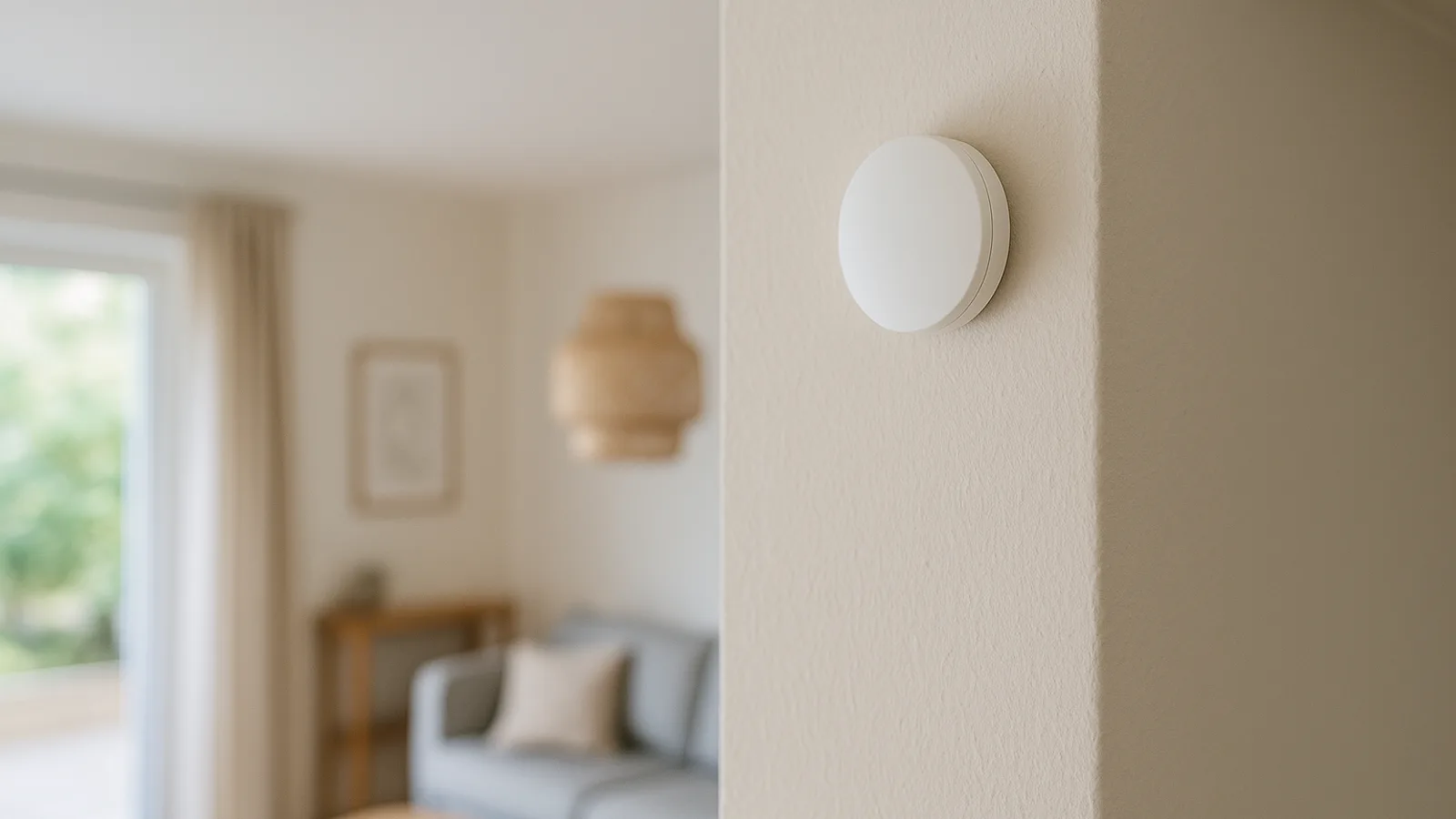
Key takeaways
- Airbnb allows noise decibel monitors that do not record audio, as long as you disclose them and keep them out of bedrooms, bathrooms and sleeping areas.
- Minut documents a Hospitable integration that texts or calls the current guest when noise crosses your threshold.
- Minut's per-home plans run $5, $10 or $15 a month, and PMS integrations need the $15 Pro plan; hardware is extra.
- NoiseAware reports decibel level and duration only; its vendor site blocked our fetch, so pricing is flagged.
- A monitor warns you about noise. It does not stop a party by itself, and it cannot replace house rules or screening.
Quick recommendations
Most complete option
Noise, smoke and climate in one device with documented PMS integration.
Decibel-only option
Reports sound level and duration, with indoor and outdoor sensors.
Best for Hospitable users
Hospitable documents the Minut connection and automatic guest notification.
For most hosts, the best Airbnb noise monitor we can verify is Minut. It covers noise, smoke and indoor climate in one sensor, and Hospitable documents an integration that notifies the current guest automatically when noise crosses your threshold. NoiseAware is the decibel-only alternative. Either way, the legal frame is the same: Airbnb permits noise decibel monitors only if they do not record audio, you disclose them, and they stay out of bedrooms, bathrooms and sleeping areas.
This guide is based on Airbnb's policy pages, vendor documentation and PMS help articles, checked on 2026-10-19. We have not hands-on tested these devices, and we say plainly where a vendor's own site was unavailable to us.
What Airbnb's policy says
Airbnb defines noise decibel monitors as devices that assess sound levels and duration but do not record audio. Under its policy, which took effect on April 30, 2024:
- Noise monitors may be placed inside the home, but not in bedrooms, bathrooms or sleeping areas.
- You must disclose that you use them. Airbnb's listing editor has a Guest safety section with a Safety devices option for this.
- Security cameras and recording devices that monitor any part of a home's interior are not allowed, even if turned off, and hidden cameras are prohibited.
- Devices that record or transmit audio inside the home are prohibited.
- Violations can lead to listing suspension or removal.
Exterior cameras follow different disclosure rules; see our guide to smart home devices.
Our read: choose any noise device by its audio behavior first. If a vendor cannot say plainly that it measures levels only, skip it.
Comparison table
| Minut M3 | NoiseAware | |
|---|---|---|
| Measures | Noise, smoke, crowding signals, temperature, humidity | Decibel level and duration (per third-party review) |
| Audio recording | No, per Minut | No, per third-party review |
| Cameras | None | None |
| PMS and OTA links | Airbnb and other OTAs (Standard plan), PMS (Pro plan); Hospitable documented | No current official PMS listing verified |
| Pricing basis | Hardware plus $5, $10 or $15 per home per month | Sensor plus plan; figures unverified |
| Outdoor option | Minut notes indoor and outdoor noise alerts | Outdoor sensors reported |
Minut M3 Sensor: most complete option
Minut describes itself as monitoring without cameras or audio recording, tracking noise, smoking, crowding and indoor climate. It also lists a water leak sensor, a home alarm and a cellular gateway among its hardware. The company says it serves over 50,000 property operators in 100 plus countries; treat that as a vendor claim.
Plans (as of Oct 2026, per Minut):
| Plan | Price | What it adds |
|---|---|---|
| Starter | $5 per month ($60 per year) | Smart home integrations, basic reports, 7-day retention |
| Standard | $10 per home per month | Multi-property, OTA integrations, 30-day retention, team access |
| Pro | $15 per home per month | PMS integrations, advanced reports, unlimited retention |
| Call Assist add-on | $10 per month per unit | Automated guest calls when noise is detected |
Hardware is sold separately. Minut's support notes that the Amazon US version includes a 12-month Starter plan covering one property. We could not find a current hardware price, so check Minut or Amazon.
Integration. Hospitable's help article says the integration needs an active Minut Pro account with sensors installed. It syncs bookings, and if a sensor detects high noise, any active guest is notified by text message or automated call. Hospitable notes SMS availability varies by country. Minut also lists Nest and ecobee among smart home integrations.
Pros
- Several functions in one sensor.
- Documented automatic guest notification with a PMS.
- Clear tiered pricing.
Cons
- Hardware cost is separate, and PMS links need the highest plan.
- Crowd detection depends on nearby-device signals rather than a headcount.
Ideal for: hosts with 1 to 50 listings who want a single sensor for noise, smoke and climate.
NoiseAware: decibel-only alternative
Third-party reviews describe NoiseAware as reporting only decibel level and duration, with indoor and outdoor sensors. We could not fetch NoiseAware's site, so pricing and features need vendor confirmation. A third-party review snippet put sensors at $199 plus a plan, with a Starter plan at $15 per month billed $180 a year for one to nine properties. Treat those numbers as unverified.
Pros
- Narrow, privacy-friendly measurement.
- Outdoor coverage reported.
Cons
- No occupancy or air-quality monitoring, per a third-party comparison.
- We could not verify current pricing or Hospitable support.
Ideal for: hosts who want a minimal sensor, especially for a patio.
Other names to check
Hostfully's comparison also names Roomonitor, Alertify and Party Squasher. We did not verify them, so we do not recommend them. If you consider one, confirm three things: no audio recording, clear PMS integration, and published pricing.
Setup steps
- Disclose first. Add the monitor to your listing's safety devices and describe it plainly.
- Choose location. A central living area, away from bedrooms and bathrooms. Do not aim a sensor at a window of a neighbouring home.
- Set thresholds. One third-party guide suggests about 70 to 80 dB in daytime and roughly 10 dB lower in quiet hours.
- Connect your PMS. For Minut with Hospitable, link the account, then match Minut units to properties.
- Write the guest message. The automatic text should be polite, name the rule and say what happens next.
- Test it. Make noise yourself and confirm the alert arrives.
For the guest message, see How to Automate Airbnb Check-In and the platform pages for Hospitable, Guesty and Hostaway.
Privacy and legal points
- No audio. Do not buy or enable any device or feature that records or transmits audio inside the home.
- Disclose. Tell guests in the listing. Do not rely on small print.
- Placement. Never in bedrooms, bathrooms or sleeping areas.
- Data retention. Minut's plans differ on retention, from 7 days to unlimited. Keep only what you need.
- Local law. Rules on monitoring differ by country and city, and some places require extra notices. Check with your local authority or counsel.
What still needs a human
- Reading context: a loud laugh is not a party.
- Following up when a guest ignores the alert.
- Escalating to neighbours or authorities when needed.
- Deciding on fees only where your listing terms allow.
Common mistakes
- Setting thresholds too low and flooding yourself with alerts.
- Forgetting to disclose, then facing a policy violation.
- Treating a monitor as a substitute for guest screening and clear house rules.
- Placing a sensor in a space guests treat as private.
Related
See How to Build a Smart Airbnb for how these sensors fit with locks and thermostats, and guest screening tools for the prevention side.
How to choose a noise monitor
- Start with audio. Read the privacy page. The device should state that it measures sound levels only.
- Check your PMS. Minut documents Hospitable. If your PMS is not on a vendor's list, expect to handle alerts manually.
- Decide what else you want. If smoke or climate matter, Minut covers them. If you want only decibels, NoiseAware is simpler.
- Count the true cost. Hardware is separate, and subscriptions are monthly. For example, three listings on Minut's Pro plan would be $45 a month ($15 times three), before hardware, based on the list prices above.
- Check country coverage. Hospitable notes SMS to guests is not available everywhere.
A sample alert workflow
A monitor is useful only if the response is planned. Here is a simple escalation that fits Airbnb's rules:
- Threshold crossed: the system messages the current guest, politely and with the house rule.
- Still loud after a set time: you receive an alert, and you check the context, including time of day and the guest's registered group size.
- Still loud after your follow-up: you contact the guest by phone or through Airbnb's messaging.
- No resolution: you decide whether to involve neighbours, a local contact or authorities, and record the steps.
Keep the tone factual. Guests react better to a clear, polite note than to an accusation.
A guest message template
"Hi, this is a friendly reminder that this home is in a quiet residential area and sound levels are monitored, as stated in the listing. Please keep noise down after 10 pm. Thanks for helping us be good neighbours."
Edit the hours and wording to match your listing rules. If you use a PMS integration, check how the vendor sends the message and in what language.
Placement guide
| Location | Allowed on Airbnb? | Our read |
|---|---|---|
| Main living area | Yes, if disclosed and no audio recorded | Best default |
| Kitchen or dining area | Yes, same conditions | Fine, but cooking noise can trigger alerts |
| Bedroom or sleeping area | No | Never |
| Bathroom | No | Never |
| Patio or yard | Policy covers cameras outside separately; a sound sensor measures levels only | Consider an outdoor-rated sensor and disclose it |
| Garage with a bed | Treat as a sleeping area | Avoid |
What a monitor will not do
- It does not identify who is making noise or how many people are there.
- It does not stop a party; a person has to respond.
- It cannot replace guest screening, house rules and a minimum-stay policy. See guest screening tools.
- It will not protect you from a platform policy breach if you skip disclosure.
Ideal portfolio fit
For one or two listings with an occasional party risk, a single sensor and a Starter or Standard plan is enough. For larger portfolios, the per-home price compounds, so the Pro plan and a PMS integration earn their keep when they save you time on alerts and messaging. For short-stay, high-turnover rentals, automate the first warning and keep the second step with a person.
How this fits the rest of your smart home
Pair a noise monitor with a smart lock that creates unique codes, see the smart lock roundup, and with a thermostat or leak sensor from the thermostat guide. Minut's climate sensing may remove the need for a separate humidity sensor, though that is our read rather than a vendor claim.
Neighbours, outdoor areas and local rules
Noise complaints often come from outside: a patio, a hot tub or a driveway. A sound-level sensor outdoors measures decibels, not conversations, but treat it as a device you disclose, and keep it pointed at your own space. Minut's M3 page mentions indoor and outdoor noise alerts, and third-party reviews describe NoiseAware outdoor sensors. If you also want a camera outside, Airbnb requires its own disclosure and bans cameras over areas with a privacy expectation. Read our smart Airbnb guide for the camera rules.
Some cities set quiet hours or caps on occupancy for short-term rentals. A monitor can help you document that you responded, but it does not change your legal obligations. Save your alert history and your messages, within the retention limits of your plan, in case a neighbour or authority asks.
Questions to ask a vendor before you buy
- Does the device record, store or transmit audio in any form?
- What exactly is stored, and for how long?
- Which PMS and OTA integrations are included in my plan?
- What happens if the sensor loses power or Wi-Fi?
- How does the device behave in a country where text messages are unavailable?
- Is there a contract, and what does cancelling cost?
Frequently asked questions
›Are noise monitors allowed on Airbnb?
Yes, under conditions. Airbnb defines them as devices that assess sound levels and duration without recording audio. They may be inside the home, but not in bedrooms, bathrooms or sleeping areas, and their presence must be disclosed to guests.
›Can a noise monitor record audio?
Not on Airbnb. Airbnb prohibits devices that record or transmit audio inside the home. Choose a product that states it measures sound levels only, and read its privacy documentation.
›Where should I place a noise sensor?
In a common area such as a living room or main open space, away from bedrooms and bathrooms. An outdoor sensor can cover a patio or yard, but cameras and recording devices outside have their own disclosure rules.
›What decibel threshold should I set?
One third-party guide suggests roughly 70 to 80 decibels in the daytime and about 10 dB lower during quiet hours. That is a starting point; adjust for your space and local rules.
›Do I need a PMS?
Not for basic alerts. You need one if you want the monitor to know who the current guest is and message them automatically. Minut's plan tiers show PMS integrations on the Pro plan.
Sources and references
Facts verified October 19, 2026. Prices and features change; confirm with each vendor.
Verification notes
- NoiseAware's site returned 403; its prices, features and privacy claims come from third-party snippets and need vendor confirmation.
- Minut hardware price was not found; the M3 spec page lacked battery and connectivity details.
- Roomonitor, Alertify and Party Squasher were named by a third party but not verified; no records created.
- Airbnb's 2020 party-prevention discount program prices are outdated and not used.
- Whether disclosure of noise monitors must name the device is summarised from search results; read Airbnb's policy before listing.
Articles on this site are researched from official product documentation, pricing pages and reputable public sources. Unless an article explicitly says otherwise, products have not been hands-on tested. Individual author profiles will be added once named contributors are confirmed.
Related stories
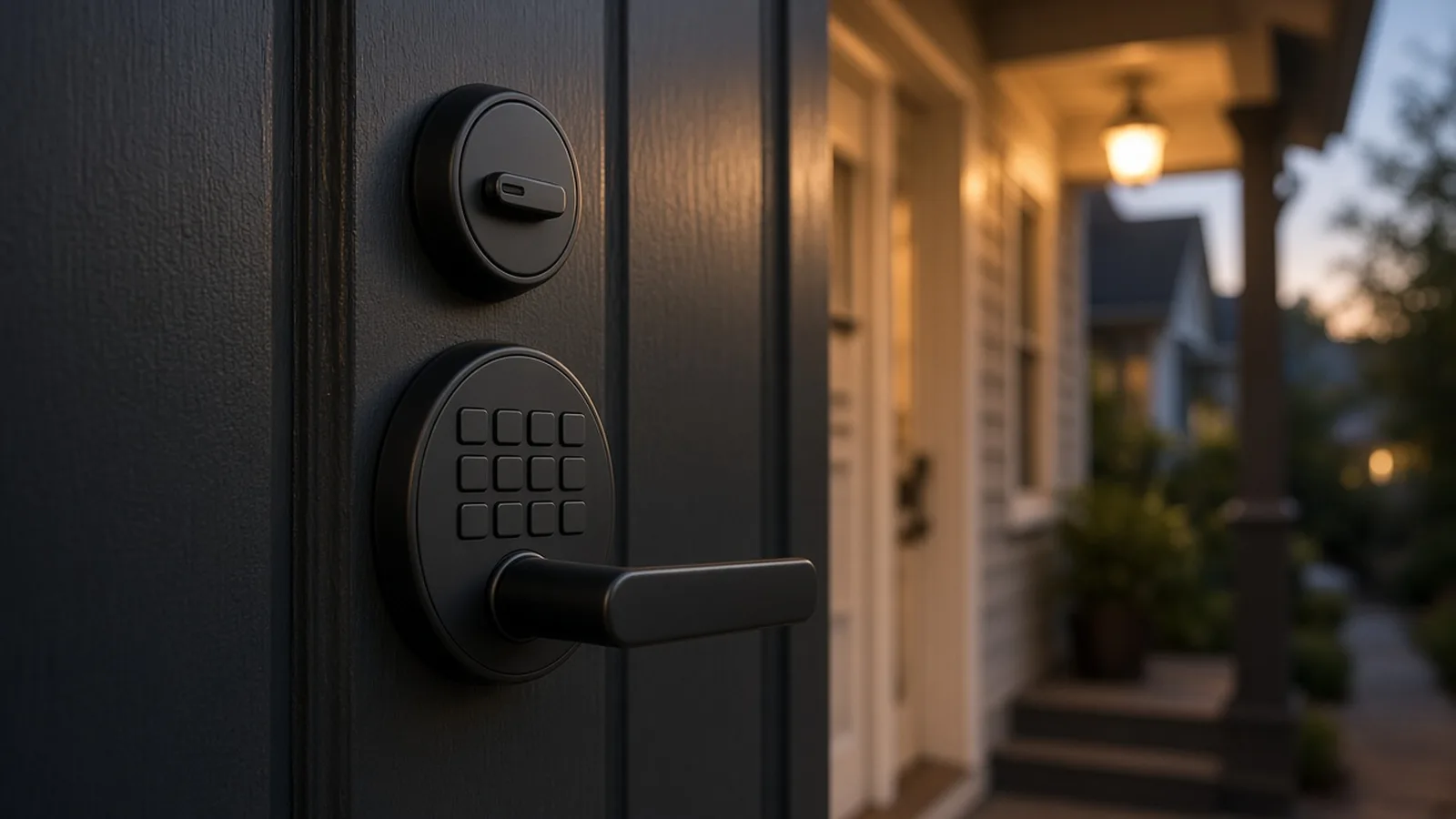
8 Best Smart Locks for Airbnb in 2026 (With Automatic Guest Codes)
For most US and Canadian hosts the safest pick is a Wi-Fi keypad lock from Yale or Schlage, because Airbnb itself creates a unique code for every booking on those brands. If your Wi-Fi is weak, igloohome's offline PINs are the strongest alternative. We found eight locks with documented automatic guest-code paths, not ten.
By Best BNB Tools Editorial · Oct 19, 2026
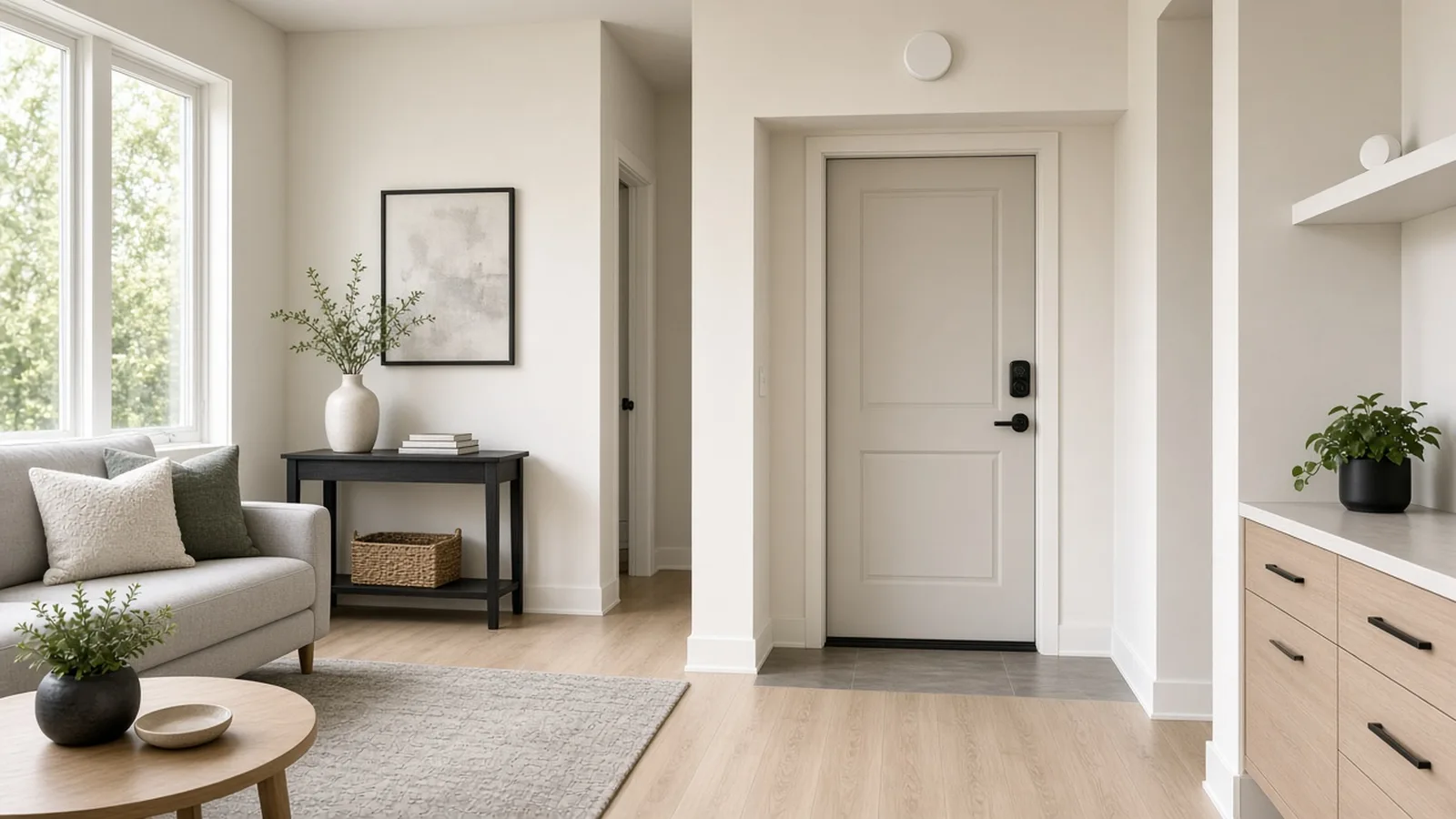
How to Build a Smart Airbnb: 15 Devices You Can Control Remotely
A smart Airbnb works best when each device solves one problem: entry, noise, temperature, water and exterior security, with a hub only if you need one. This guide covers 15 devices we could verify, with Airbnb's rules on cameras and noise monitors and the Wi-Fi, Z-Wave and Matter limits that decide what works.
By Best BNB Tools Editorial · Oct 19, 2026
Best Smart Thermostats and Energy-Saving Devices for Airbnb Rentals
If you use Hospitable, ecobee, Honeywell Home and Google Nest thermostats are all on its supported list, so the choice is mostly about HVAC wiring and sensors. For energy and damage protection, a water leak sensor or an automatic water shutoff does more for most rentals than a fancier thermostat.
By Best BNB Tools Editorial · Oct 19, 2026
How to Automate Airbnb Check-In So Guests Never Need a Key
Automating check-in takes three pieces: a smart lock that can hold a unique code per booking, a system that creates and delivers that code, and a messaging flow that tells guests what to do. In the US and Canada, Airbnb can handle the first two natively for Schlage, August and Yale locks.
By Best BNB Tools Editorial · Oct 19, 2026